
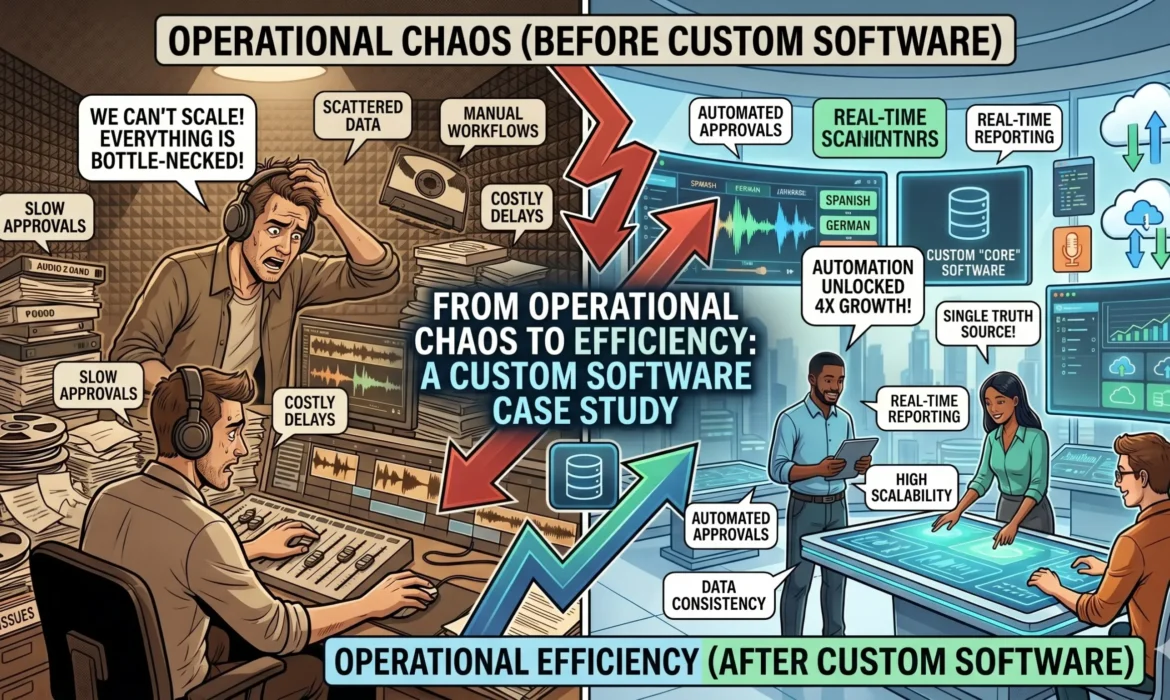
From Operational Chaos to Efficiency: A Custom Software Case Study
In the enterprise world, generic software solutions often come with a hidden cost: they force your unique business processes to adapt to their rigid limitations. When a rapidly growing mid-market distribution enterprise approached us, they were facing a critical operational breaking point. Despite having a dedicated team, their legacy tools could no longer keep up with their scaling order volumes.
This case study explores how custom software engineering transformed their fragmented operations into a unified, high-performance engine, proving that tailored technology is a necessity for sustainable business growth.
The Challenge: Disconnected Systems and Manual Friction
Our client was operating across three separate platforms: an independent inventory tracker, a legacy billing tool, and a patchwork of spreadsheets handling logistics. Because these systems could not communicate with each other in real-time, data had to be manually transferred between departments daily.
The consequences of this manual friction were severe:
- Data Inaccuracies: Human data-entry errors led to a 15% discrepancy rate between warehouse stock and sales records.
- Costly Delays: Fulfilling a standard customer order required hours of administrative verification, bottlenecking the warehouse line.
- Blind Decision-Making: Leadership could not access real-time financial or operational reports, making it difficult to forecast supply needs.
The Solution: An Integrated Custom ERP Ecosystem
Instead of patching their existing tools with fragile third-party connectors, we engineered a fully custom, centralized ERP ecosystem tailored to their exact operational logic. Our team focused on three core technical pillars:
1. Unified Core Database
We eliminated data siloes by establishing a single source of truth. Every transaction, inventory update, and invoice now updates instantly across all departments simultaneously. This completely wiped out the need for duplicate data entry.
2. Intelligent Warehouse Automation
We developed a custom mobile application integrated directly with warehouse hardware. Staff can now scan barcodes to update stock levels instantly, reducing human error and accelerating order picking speeds.
3. Real-Time Analytics Dashboard
We built an automated reporting engine that pulls live operational metrics into a visual dashboard. Leadership can now view net margins, inventory turnover, and fulfillment speeds with a single click.
The Impact: Measurable Operational ROI
Within ninety days of launching the custom platform, the client experienced a profound shift in their business health. The results spoke directly to the power of custom engineering:
- Inventory Errors Reduced by 95%: Automated tracking brought their data accuracy up to near-perfection.
- Fulfillment Times Cut in Half: Streamlined workflows allowed the warehouse team to process double the order volume with the same staff size.
- Instant Financial Reporting: End-of-month reporting was reduced from an arduous five-day task to an instantaneous, automated generation.
The Strategic Takeaway: True digital transformation isn’t about working harder; it’s about building smarter infrastructure. By investing in a custom platform tailored perfectly to their operational DNA, this enterprise didn’t just fix a temporary software problem—they secured a scalable asset that supports their long-term growth.
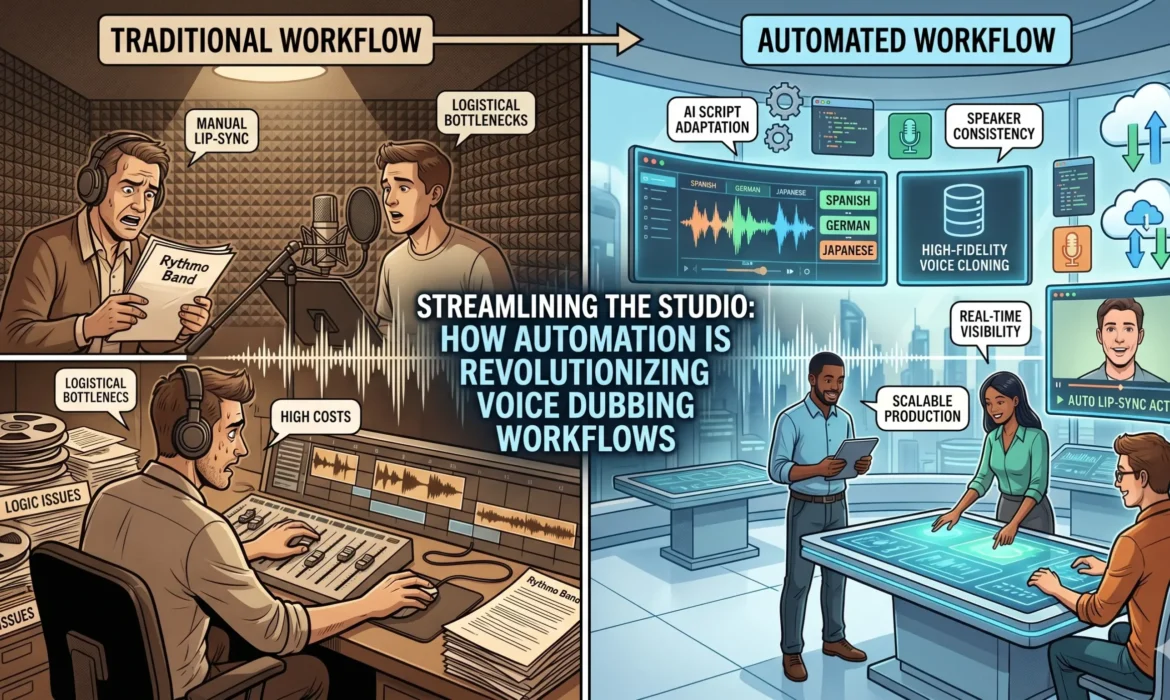
Streamlining the Studio: How Automation is Revolutionizing Voice Dubbing Workflows
The global demand for localized video content has reached an all-time high. Whether it is an international streaming series, an e-learning module, or a corporate training video, content creators face immense pressure to translate and dub audio quickly without sacrificing the emotional nuance of the original performance.
Traditionally, the voice dubbing pipeline is a complex, fragmented web of manual tasks involving script translators, voice talent, directors, and sound engineers. However, custom software and industry-specific automation are fundamentally shifting how studios manage this chaos, turning a slow, error-prone workflow into an agile production line.
1. Smart Script Adaptation and Lip-Syncing
One of the most tedious phases of dubbing is adjusting translated text so it matches the original speaker’s lip movements and timing windows. Custom dubbing software utilizes precise time-stamping algorithms that analyze the original audio track and provide translators with strict character counts and timing boundaries.
Instead of manual guesswork and endless retakes in the studio booth, adapters receive instant feedback on whether a translated phrase is too long or short for the visual scene. This drastically reduces recording time and engineering overhead.
2. Digital Auditioning and Talent Matching
Managing global voice talent pools via spreadsheets and scattered email attachments is highly inefficient. Integrated production portals allow studio managers to search localized databases using granular tags—such as language, dialect, age range, vocal tone, and acting style.
Audition scripts can be distributed securely, recorded remotely by the talent, and submitted directly back through a client portal. This eliminates administrative friction and cuts weeks off the casting process for large, multilingual projects.
3. Automated Asset Management and File Naming
A single 30-minute television episode can yield hundreds of individual audio segments, retakes, and ambient noise tracks. Manually naming, organizing, and saving these files creates a massive risk of human error or accidental data overwrites.
Dedicated media production software automates this entire pipeline behind the scenes. It automatically names files based on the project ID, character, scene, and take number, while instantly syncing recorded audio tracks back to the master video timeline. Assets are backed up to secure cloud storage in real-time, protecting weeks of creative work.
4. Seamless Remote Direction
The modern entertainment landscape requires collaboration across different time zones. The director, the client, and the voice actor are rarely in the same physical room. Custom dubbing platforms solve this by offering low-latency, real-time video and audio streaming solutions.
Directors can trigger visual cues, overlay translated scripts on the actor’s screen remotely, and mark accepted takes directly into the production timeline from anywhere in the world. This ensures high-quality production values without the travel costs.
The Big Picture: Industry-specific automation isn’t about replacing human creativity; it’s about removing the administrative friction that bogs it down. By handing over data entry, file organization, and time-matching to intelligent software, studios allow their creative teams to focus entirely on delivering a stellar performance.
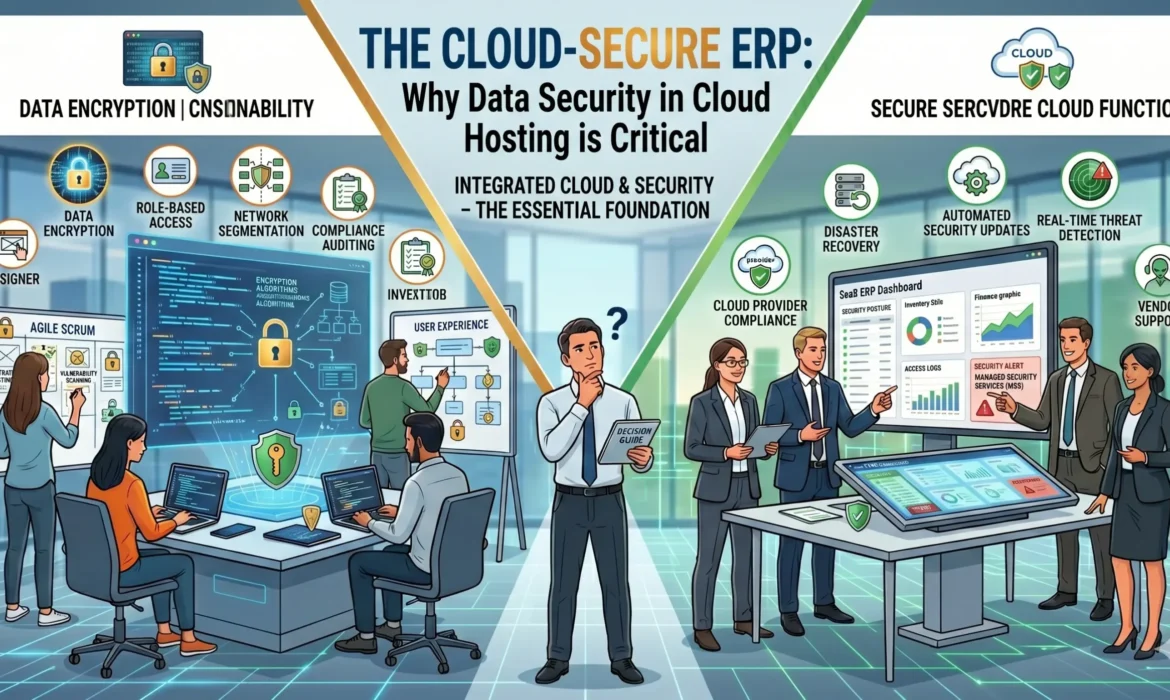
Why Data Security in Cloud Hosting is Critical for Modern ERP Systems
Moving your company’s core business operations to the cloud offers incredible flexibility, seamless remote access, and massive cost efficiencies. However, because an Enterprise Resource Planning (ERP) system acts as the central nervous system of your business—housing sensitive financial records, proprietary client data, and critical operational workflows—it is also a prime target for modern cyber threats.
When migrating or hosting your enterprise applications, standard security isn’t enough. You need enterprise-grade infrastructure. Understanding what keeps your corporate data safe in a cloud environment is essential for maintaining business continuity and protecting your bottom line.
1. End-to-End Data Encryption
Data must be fiercely protected in two distinct states: in transit and at rest. Data “in transit” refers to information moving live between your employees’ local devices and your cloud servers. Data “at rest” is the static information stored on server hard drives. Utilizing robust, industry-standard encryption protocols ensures that even if malicious actors manage to intercept your data packets, the underlying files remain completely unreadable and useless to them.
2. Automated Backups and Disaster Recovery
True cloud security isn’t just about building higher walls against hackers; it is about guaranteeing your business survives unexpected failures. Whether facing hardware malfunctions, localized natural disasters, or sophisticated ransomware attacks, a secure cloud setup mitigates risk through automated, redundant backups. Having isolated, daily snapshots of your ERP environment means you can restore your entire operational pipeline to a healthy state within minutes, completely eliminating catastrophic downtime.
3. Role-Based Access Control (RBAC)
Internal security vulnerabilities can be just as damaging as external threats. Not every user in your organization needs unfettered access to your core database backend or full company financial histories. Implementing Role-Based Access Control (RBAC) allows system administrators to grant specific data permissions based on an employee’s exact job description. By limiting access vectors, you minimize internal human error and prevent unauthorized data exposure.
4. Continuous Monitoring and Automated Patching
The cybersecurity landscape evolves daily, with threat actors constantly identifying new software vulnerabilities. A secure cloud infrastructure requires continuous, automated monitoring of server logs to flag unusual activity before it escalates. Furthermore, working with a team that ensures immediate security patches and system updates keeps your firewalls and protocols ahead of exploitable flaws, leaving zero windows of vulnerability.
The Operational Reality: In modern enterprise computing, a security chain is only as strong as its weakest link. Coupling high-tier cloud hosting with strict organizational habits—such as enforcing Multi-Factor Authentication (MFA) across your team—is the only way to scale safely in a digital-first economy.
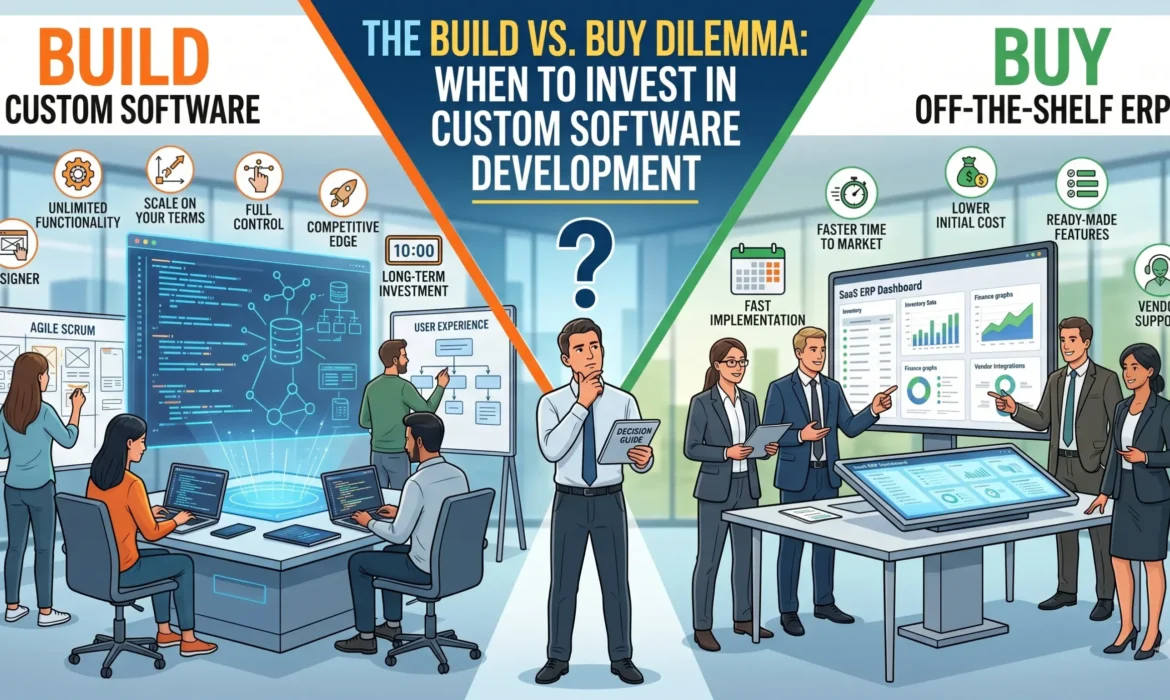
The Build vs. Buy Dilemma: When to Invest in Custom Software Development
When a business decides to digitalize an internal process or launch a new digital service, they quickly arrive at a critical crossroads: the “build vs. buy” dilemma. Do you purchase a ready-made Software as a Service (SaaS) platform, or do you invest in custom software development tailored to your exact specifications?
There is no universal answer, but making the wrong choice can lead to massive technical debt or expensive platform migrations down the road. Understanding the long-term trade-offs is essential for saving both capital and operational time as your business scales.
The Structural Trade-Offs at a Glance
Off-the-shelf software is highly attractive because of its speed. You pay a subscription fee, configure a few basic settings, and your team can log in the same day. However, you are renting someone else’s infrastructure. You are bound by their feature roadmaps, their pricing hikes, and their architectural limitations.
Custom software development, conversely, requires a higher upfront financial and time investment. But in return, you own the intellectual property. It is designed to adapt to your business, meaning it scales infinitely alongside your operational growth without compounding monthly user licensing fees.
When Buying Off-the-Shelf Makes Sense
You do not need to reinvent the wheel for standard business utilities. If you are looking for a generalized CRM, basic email marketing tools, or foundational corporate accounting modules, buying is almost always the smarter choice. These processes are largely identical across companies, meaning commercial software can handle them perfectly out of the box without disrupting your efficiency.
When to Invest in Custom Software Development
If your core operational workflow is what gives you a competitive advantage in the marketplace, forcing your team to use rigid, pre-built software will actively harm your business. Off-the-shelf platforms force you to alter your unique workflows to fit their software design. Custom software does the exact opposite: it is engineered completely around your proven business logic.
This is particularly critical for mid-market enterprises or companies operating within niche industries—such as automated media production, specialized logistics, or custom ERP environments. When your operational steps are proprietary, custom software bridges the gaps that SaaS platforms leave behind, allowing for seamless backend data flows and unique consumer-facing features that your rivals cannot replicate.
Integration and the Danger of “Software Frankenstein”
As businesses grow, they often buy various individual SaaS tools to solve isolated problems. Over time, they end up with an unmanageable ecosystem where the inventory system barely communicates with the sales tracker, requiring manual patches or fragile API connectors. Custom software eliminates this friction entirely. It is engineered to seamlessly integrate with your legacy databases and existing hardware, unifying your digital ecosystem into a single, high-performance engine.
The Strategic Verdict: View off-the-shelf software as a temporary utility for standard tasks, but treat custom software as a proprietary asset. If a software system directly impacts your unique value proposition or your core operational speed, building a tailored solution is the only way to truly secure your capacity to scale.
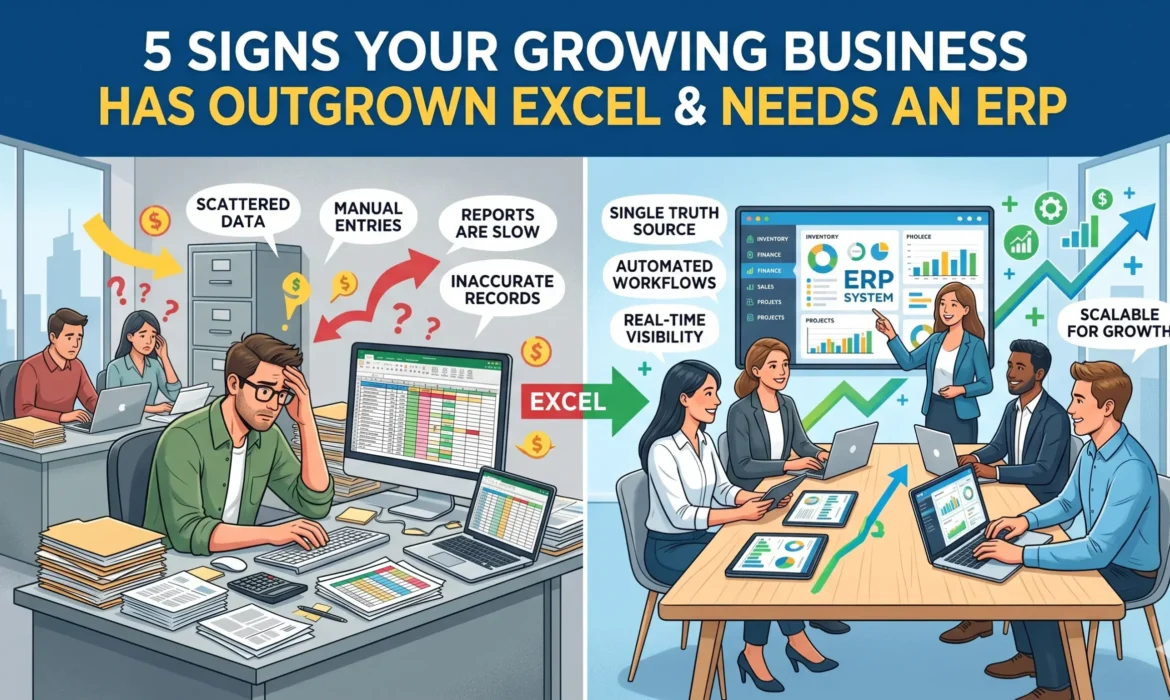
5 Signs Your Growing Business Has Outgrown Excel and Needs an ERP
For many startups and growing mid-market companies, spreadsheets are the ultimate operational safety net. They are free, universally understood, and endlessly customizable. In the early days, a well-built Excel workbook can handle everything from tracking inventory to calculating monthly revenue.
However, spreadsheets have a structural ceiling. As your business scales, your transaction volumes increase, your team expands, and your workflows grow more complex. What once felt like a flexible tool quickly transforms into an operational bottleneck, stalling your growth and introducing unnecessary risk.
If your team is losing hours to administrative friction, it is likely time to transition to a centralized Enterprise Resource Planning (ERP) platform. Here are five unmistakable signs that your business has outgrown Excel:
1. The “Single Source of Truth” Has Vanished
When your business is small, one person usually manages the core data. As you grow, different departments—sales, inventory, procurement, and finance—start maintaining their own localized versions of the same spreadsheets. Before long, Version 2 of the sales sheet doesn’t match Version 4 of the finance sheet. When your leadership team spends more time arguing over whose data is correct rather than making strategic choices, you need a centralized ERP to sync data across the entire organization in real time.
2. Manual Data Entry Is Drowning Your Productivity
Take a close look at your team’s daily routines. Are your employees spending hours copy-pasting data between different systems, manually typing invoice details into spreadsheets, or reconciling inventory counts across multiple tabs? If so, you are wasting valuable human capital on tasks that should be automated. An ERP replaces manual entry with automated workflows, allowing your team to focus on high-value initiatives like business development and customer retention.
3. Inventory Levels and Customer Sales Are Disconnected
In modern commerce, timing is everything. If your sales team is closing deals based on an inventory spreadsheet that was manually updated yesterday, you run a massive risk of overselling. Selling stock you do not actually possess destroys customer trust and disrupts your logistics. An ERP bridges this gap entirely by linking sales orders instantly with live warehouse tracking, ensuring total transparency from checkout to delivery.
4. Compiling Reports Takes Days, Not Minutes
Answering simple business questions—such as “What was our exact net profit margin last month?” or “Which product lines are underperforming?”—should not require an archaeological dig through disconnected files. If generating an end-of-month report requires your accounting team to manually stitch together five different workbooks, your data is outdated by the time it reaches your desk. Modern ERP systems offer instant, on-demand reporting with actionable analytics.
5. Escalating Security and Compliance Risks
Spreadsheets are notoriously fragile. A single accidental keystroke or a broken cell formula can corrupt an entire financial model without anyone noticing until it is too late. Furthermore, basic Excel files lack robust security infrastructure. They cannot provide detailed audit trails showing who viewed or modified data, leaving your business highly vulnerable to data breaches, accidental loss, and compliance failures.
In conclusion: Continuing to rely on patchwork spreadsheets to run a growing enterprise is like trying to build a skyscraper on a foundation designed for a house. Upgrading to a modern, integrated ERP platform isn’t just an IT expense; it is a vital infrastructure investment that unlocks your true capacity to scale.

